Exploring Minecraft's Eaglercraft: A Comprehensive Guide
Minecraft has captivated millions of players around the globe with its endless possibilities and creative freedom. Among the various adaptations and mods that have emerged, Eaglercraft stands out as a unique twist on the classic game. This guide will delve into what Eaglercraft is, how to get started, and tips for maximizing your experience. Whether you are a seasoned Minecraft veteran or a newcomer, this comprehensive guide will help you navigate the exciting world of Eaglercraft.
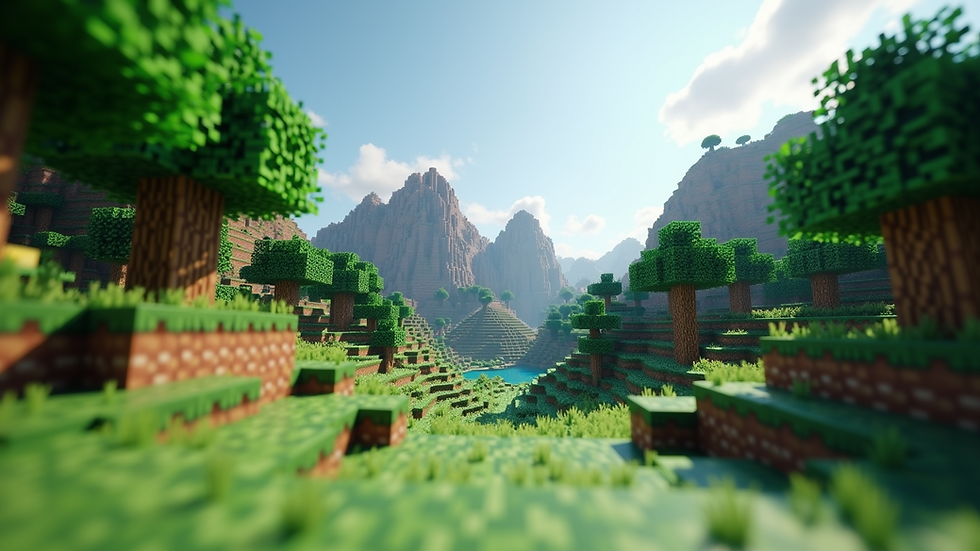
What is Eaglercraft?
Eaglercraft is a browser-based version of Minecraft that allows players to enjoy the game without needing to download or install the traditional client. This adaptation is particularly appealing for those who may not have access to high-end gaming hardware or prefer the convenience of playing directly in their web browser.
Key Features of Eaglercraft
Accessibility: Play from any device with a web browser, making it easy to jump into the game without installation.
Community Servers: Join various servers hosted by the community, offering unique gameplay experiences and challenges.
Customization: Players can modify their game experience with skins, texture packs, and mods, similar to the original Minecraft.
Getting Started with Eaglercraft
System Requirements
Before diving into Eaglercraft, ensure your device meets the following minimum requirements:
A modern web browser (Chrome, Firefox, or Edge)
Stable internet connection
Basic hardware capable of running web applications
How to Access Eaglercraft
Open your preferred web browser.
Navigate to the Eaglercraft website.
Create an account or log in if you already have one.
Choose a server to join or create your own world.
Creating Your First World
Once you are logged in, you can create your first world. Follow these steps:
Click on the "Create World" button.
Choose your game mode: Survival, Creative, or Adventure.
Customize your world settings, including difficulty and seed.
Click "Create" and wait for your world to load.
Gameplay Mechanics
Game Modes Explained
Eaglercraft offers several game modes, each providing a different experience:
Survival Mode: Gather resources, craft items, and survive against mobs.
Creative Mode: Unlimited resources allow you to build without constraints.
Adventure Mode: Designed for custom maps, this mode restricts certain actions to enhance gameplay.
Basic Controls
Familiarize yourself with the basic controls to navigate the game effectively:
W, A, S, D: Move your character.
Spacebar: Jump.
Left Click: Break blocks or use items.
Right Click: Place blocks or use items.
Tips for Maximizing Your Eaglercraft Experience
Join the Community
Engaging with the Eaglercraft community can enhance your gameplay. Here are some ways to connect:
Forums and Discord: Participate in discussions, share tips, and find friends to play with.
YouTube and Twitch: Watch gameplay videos and streams to learn new strategies and techniques.
Explore Custom Servers
Eaglercraft hosts a variety of custom servers, each offering unique gameplay experiences. Here are a few popular types:
Mini-Games: Participate in fun challenges like parkour, PvP battles, or treasure hunts.
Roleplay Servers: Immerse yourself in story-driven experiences with other players.
Survival Servers: Join a community of players working together to survive and thrive.
Utilize Mods and Texture Packs
Enhance your Eaglercraft experience by using mods and texture packs. These can change the game's visuals or add new features. Some popular options include:
Shaders: Improve the game's lighting and shadows for a more immersive experience.
Custom Skins: Personalize your character with unique skins created by the community.
Advanced Gameplay Strategies
Resource Management
In Survival Mode, managing your resources is crucial. Here are some tips:
Gather Early: Collect wood and stone as soon as you start to craft essential tools.
Establish a Base: Create a safe haven to store resources and protect yourself from mobs.
Farm: Grow crops to ensure a steady food supply.
Building Techniques
Building in Eaglercraft can be a rewarding experience. Consider these techniques to improve your structures:
Use Different Materials: Combine various blocks to create visually appealing designs.
Plan Your Layout: Sketch a blueprint before building to ensure a cohesive design.
Incorporate Redstone: Learn the basics of redstone to create functional contraptions and mechanisms.
Troubleshooting Common Issues
Connection Problems
If you experience connection issues while playing Eaglercraft, try the following:
Check Your Internet: Ensure your connection is stable.
Clear Browser Cache: Sometimes, clearing your browser's cache can resolve loading issues.
Try a Different Browser: If problems persist, switch to another browser to see if the issue is browser-specific.
Performance Issues
If Eaglercraft runs slowly, consider these tips:
Lower Graphics Settings: Adjust the graphics settings in the game to improve performance.
Close Background Applications: Free up system resources by closing unnecessary applications.
Conclusion
Eaglercraft offers a unique way to experience Minecraft directly in your browser, making it accessible to a wider audience. By understanding the game mechanics, engaging with the community, and utilizing available resources, you can enhance your gameplay and enjoy everything Eaglercraft has to offer. Whether you're building magnificent structures or surviving against the odds, the world of Eaglercraft is waiting for you to explore. So gather your resources, join a server, and start your adventure today!


Yo, I thought this site was pretty random, but it actually gives good information. If I were hypothetically a teacher for some reason. I would give this site an A+.